
A technician copilot should help the team find the actual cause, choose the right repair and avoid spending another visit on a part that was never the problem. For a forklift dealer, that means a path toward less repeat labor, fewer unnecessary parts orders and more capacity for paying work.
ForkMax brings machine context, approved technical references and reviewed repair experience into a familiar conversation. The aim is better first-time repairs across the team, while the technician still performs the checks needed to confirm the diagnosis.
Recover the hours hidden inside the wrong repair
A wrong-part order can consume time at every stage: finding the item, waiting for it, installing it, discovering the fault remains and starting over. The customer experiences the delay; the dealer carries the repeat labor and scheduling disruption.
Tech Copilot helps connect the symptoms and evidence before the parts decision. The valuable outcome is a better supported diagnosis and repair plan, not simply a faster answer in chat. Track diagnostic hours, repeat visits and parts returns to see whether the workflow is producing that outcome.
Begin with a workflow, not an empty chat box
A generic question such as “Why is this forklift cutting out?” leaves too many possibilities open. A useful intake first establishes the machine, the symptom and the circumstances. Record the make and model, serial range, exact displayed message, timing, recent work and checks already performed. Include source material only when the business has authority to use it.
This is a workflow design recommendation. It is not a diagnostic procedure. The assistant should help distinguish the operator’s report from a technician’s observation and distinguish both from a hypothesis. “The operator reported a loss of drive after warming up” is more useful than recording an unverified component failure as a fact.
Keep four kinds of information separate
Reported information describes what someone saw or experienced. Source information identifies the relevant document and its revision or applicable machine range. Suggested information proposes a question or next check for a qualified person. Reviewed information records the finding and decision that person actually confirmed.
These categories can be expressed in an ordinary message. They do not require a complex dashboard. Their value is that a technician, supervisor or later reader can understand why the note exists and how much confidence to place in it. An answer that blends all four categories into confident prose is harder to review.
NIST’s generative-AI risk profile identifies confabulation as a risk. For this workflow, that is a reason to verify a citation and its applicability rather than treating the presence of a source-looking label as proof.
A fictional job example
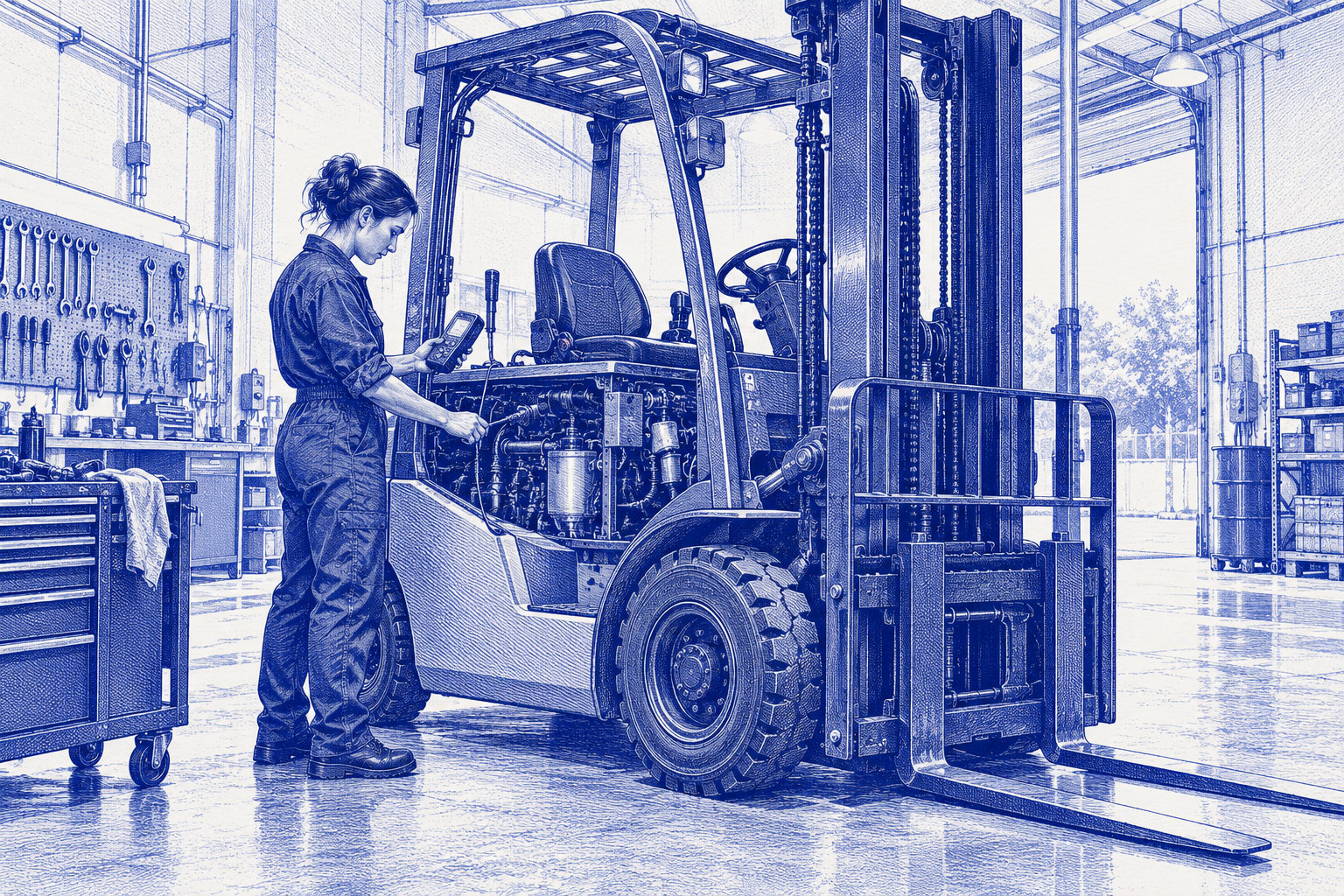
Imagine an electric counterbalance truck with an intermittent complaint. A part was replaced during an earlier visit, and the reported issue returned. A useful assistant first asks for the missing machine details and the exact complaint, then helps assemble the previous job note and approved reference.
It should not invent a universal meaning for a code or recommend repeating the previous replacement. The technician reviews the applicable procedure, collects the relevant evidence using the business’s safe-work process and documents the finding. The assistant can then prepare a concise case note for approval.
The desired outcome is a verified cause before another parts order. If a part is needed, Tech Copilot can pass the confirmed repair context directly to Parts, which compares approved supplier options and shares delivery information with Admin. Your approval policy controls what happens next.
Make experience available to every technician
A senior technician may recognize a pattern immediately because they have seen it before. Capturing that reviewed repair experience lets a newer colleague find the relevant context without waiting for a callback.
The knowledge needs to remain usable when staff are busy, absent or leave the business. Keep the machine, confirmed finding, source and successful repair together. That gives the team a stronger starting point without pretending that similar symptoms always mean the same fault.
Keep uncertainty visible.
What a convincing live demo should show
Bring a representative job that was difficult because information was missing, scattered or unclear. Prepare the machine identity and a source you are permitted to share. Ask the presenter to show what happens when the source is unavailable or does not match the machine.
- Can the workflow ask a useful follow-up without filling gaps with assumptions?
- Can you identify the reference and confirm its relevance?
- Are suggested actions visibly separate from reviewed findings?
- Can a technician correct the record before it is retained?
- Can the next person find the record without seeing another customer’s information?
- Does an uncertain answer remain uncertain?
Also ask who maintains the connection, source set and permissions. A demonstration on a prepared example does not prove every channel or tool is ready for your shop.
Keep the safety boundary explicit
OSHA’s powered-industrial-truck standard addresses examination, unsafe equipment and authorized repair personnel. A conversational interface does not change those responsibilities. Do not use marketing examples as maintenance instructions or allow a generated statement to authorize return to service.
The copilot also does not provide universal access to restricted OEM diagnostic software. Some jobs still require the correct tools, manufacturer information and authorized capabilities. Confirm those limits before setting expectations with technicians or customers.
Measure usefulness on comparable work
Choose a narrow initial workflow and record the time spent gathering context, the questions that remained unresolved and the corrections required. Compare similar jobs and note differences in staffing, source quality and workload. Include unhelpful sessions; excluding them creates an unrealistically favorable picture.
Useful results include less repeat diagnostic labor, fewer incorrect parts orders, faster completion and more consistent service. Recovered hours become financial value when you use them for additional profitable work or remove a real expense. Keep that distinction visible in your review.
A sensible next step
Use the diagnostic intake checklist to prepare one job. During the demo, focus on the record you would want a technician to receive and the decisions you would still require a person to make. That makes the buying conversation concrete before discussing broader automation.
Sources and context
The primary sources below support the specific statements attributed to them. Worked examples are illustrative assumptions, not industry averages or measured ForkMax results. Labor-market and manufacturing research describe the populations identified in the article.